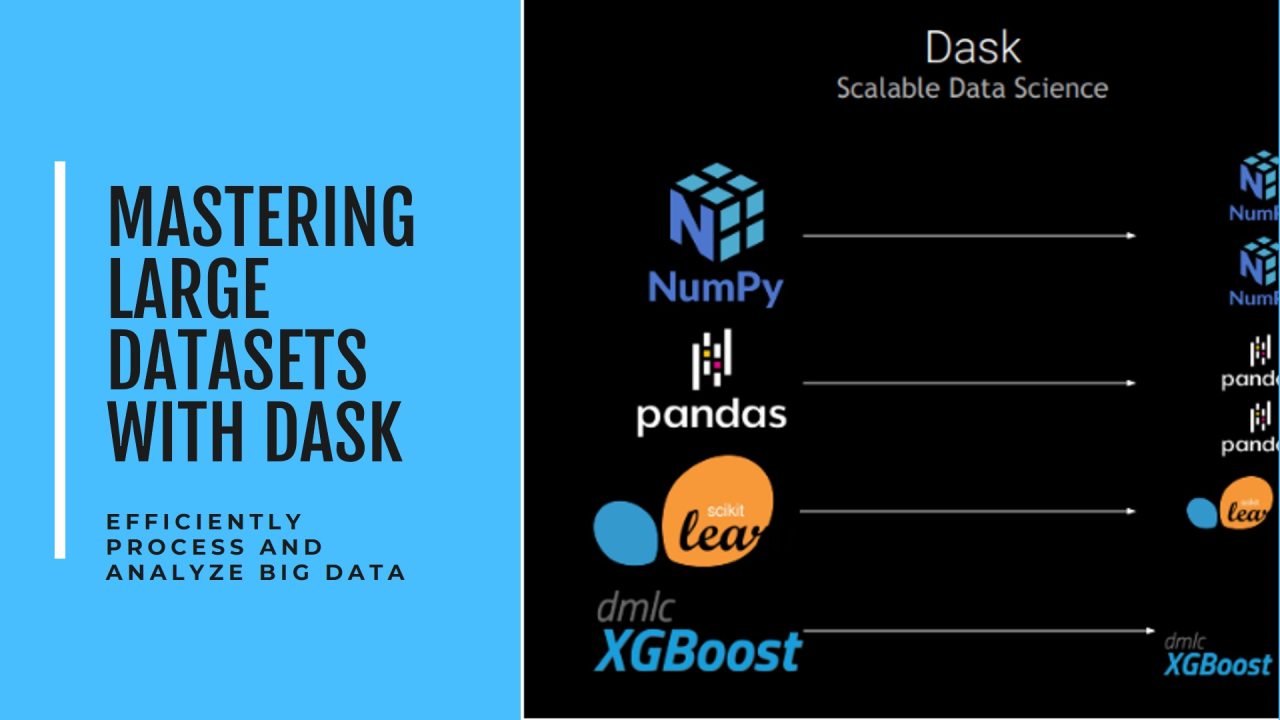
Working with Large Datasets Using Dask: A Practical Guide
In today's data-driven world, data scientists and analysts often face a common challenge: processing datasets that are too large to fit into memory. While pandas has been the go-to library for data manipulation in Python, it struggles with large-scale data processing. Enter Dask - a flexible, parallel computing library that scales pandas workflows seamlessly.
What is Dask?
Dask is an open-source library that provides advanced parallelism for analytics. It works by breaking down large datasets and computations into smaller chunks that can be processed in parallel, either on a single machine or across a cluster.
Key Advantages of Dask
Practical Example
Here's a simple example to demonstrate Dask's power:
When Should You Use Dask?
Consider Dask when you:
Recommended by LinkedIn
Best Practices
Real-World Impact
At my organization, we recently used Dask to process several terabytes of sensor data. What previously took days with traditional methods now completes in hours. The ability to scale horizontally across our cluster while maintaining a familiar pandas-like interface was game-changing.
Getting Started
Conclusion
Dask bridges the gap between local development and big data processing. Its ability to scale pandas workflows while maintaining a familiar interface makes it an invaluable tool for data professionals dealing with large-scale data analysis.
Whether you're working on your laptop or a cluster, Dask provides the flexibility and power needed to handle modern data challenges efficiently.


