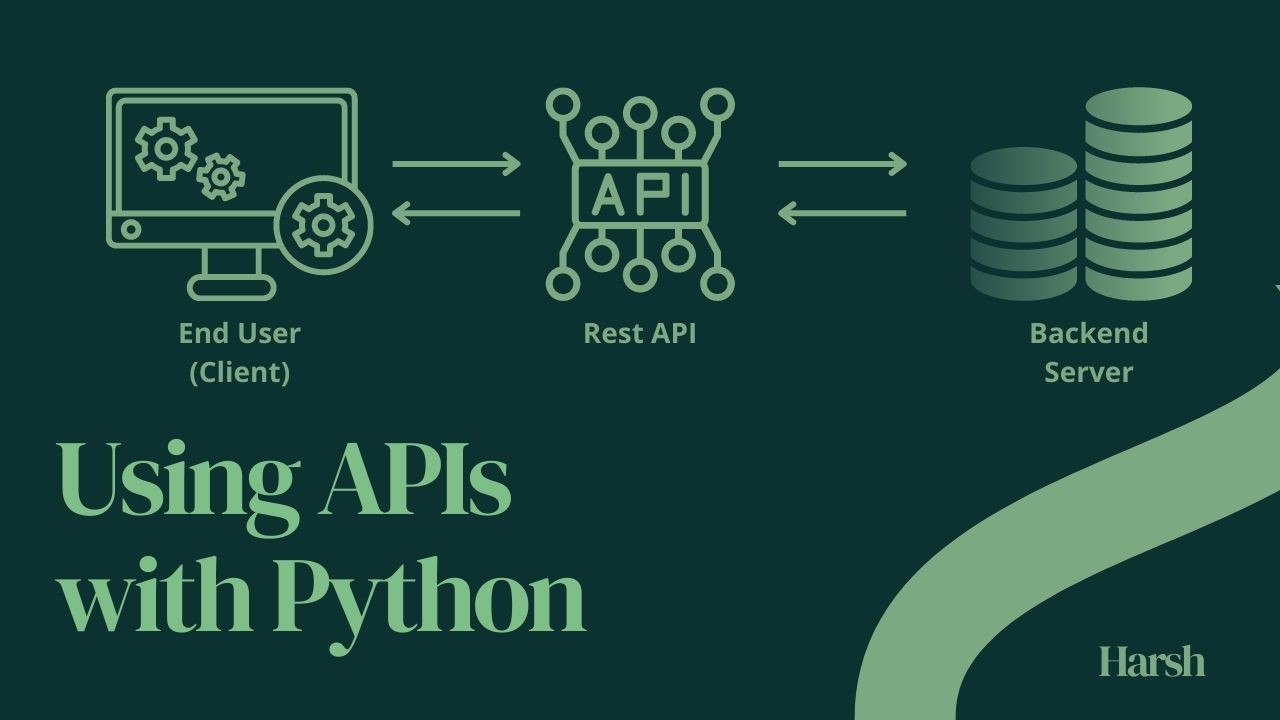
Using API's with Python
Using APIs with Python

Using API's with Python

Application Programming Interfaces (APIs) are a powerful tool that allows developers to access data and functionality from other applications or services. APIs are available for a wide range of applications, including social media platforms, e-commerce sites, and financial services. In this article, we will explore how to use APIs with Python.

The first step in using an API with Python is to choose an API that provides the data or functionality you need. There are a variety of APIs available online that you can use for free or for a fee. Some popular APIs include:

  • OpenWeatherMap API for weather data
  • Google Maps API for location data

There are so many websites that offers a suite of powerful and easy-to-use APIs for developers. These APIs provide access to a wide range of data and services, including currency exchange rates, weather data, IP geolocation, email validation, and more.

Here are the general steps for Using APIs with Python :

  1. Choose an API: Identify an API that provides the data or functionality you need. You can find APIs by searching online or consulting API directories.
  2. Read API documentation: Once you have identified an API, read the documentation to understand how to use it. The documentation should provide information on the API endpoints, parameters, and authentication methods.
  3. Install required modules: Install any required Python modules to make HTTP requests and parse JSON responses. The most commonly used module for this is requests.
  4. Make API requests: Use the requests module to make HTTP requests to the API endpoints. Provide any required parameters in the request and include any authentication tokens in the request headers.
  5. Parse JSON responses: After making an API request, parse the JSON response using Python's built-in json module.
  6. Process data: Process the data from the API response as required. This may involve filtering, sorting, or transforming the data to fit your needs.

we will use an API of apilayer.com to get the data for converting currency from USD to INR. apilayer.com provides API products with clear documentation, code examples, and SDKs for popular programming languages such as Python, PHP, Java, and Ruby. The APIs also offer flexible pricing plans, including free plans for testing and small-scale projects.


Python Code to convert USD to INR using API

First, You need to install the requests module, which is used to make HTTP requests in Python. To install the requests module, run the following command in

your terminal.

pip install requests        

Below given is a python code to convert currency from USD to INR using sample API, You need to replace apikey with your one (You can get API key from apilayer.com by subscribing for free).

No alt text provided for this image
python code to convert currency from USD to INR using API

Output

No alt text provided for this image
Output of above code
No alt text provided for this image
API Response Output

API will return a json answer like this which contains desired result in key-value pair, we can fetch required data from it.


You can check the code by clicking below.

#api #python #pythondeveloper #pythoncode #apidevelopment #apirest

"keep exploring to learn more, learning is key to discover new world" - Harsh

To view or add a comment, sign in

More articles by Harsh Verma

  • Mastering State Management in React

    Gone are the days of complex class components and lifecycle methods for managing state in React. With the introduction…

  • How to Access Clipboard (Copy & Paste) History in Ubuntu via GPaste

    The clipboard manager, like Gpaste in Ubuntu, enhances productivity by extending the basic clipboard functionality. It…

    1 Comment
  • Web Scraping Using Python with Example

    Web Scraping Web scraping is the process of automatically extracting information from websites. It involves writing…

    3 Comments
  • How to access localhost on other devices (Mobile or Laptop) ?

    IMPORTANT : Devices must be connected to the same WiFi Network. Step 1: Find your local IP Address local IP is defined…

    3 Comments
  • What is Odoo?

    Odoo is an acronym of On-Demand Open Object. Odoo is an open-source ERP software developed by the Belgian company Odoo…

    5 Comments
  • What is Full Stack Development?

    Full Stack Development is a profession where developer works with both front end & back end part of an application…

  • SQL vs NoSQL

    NoSQL Databases (or we can say "Not Only SQL") , were first introduced in late 2000s. NoSQL is a Non-Relational…

  • Why Certified Skills?

    Skill what it means? we can define it as an ability to do some task after training or practice. Skills are something…

  • What is IOT?

    IOT stands for Internet of Things. The Internet of things simply means "things communicating with each other using…

    1 Comment

Others also viewed

Explore content categories