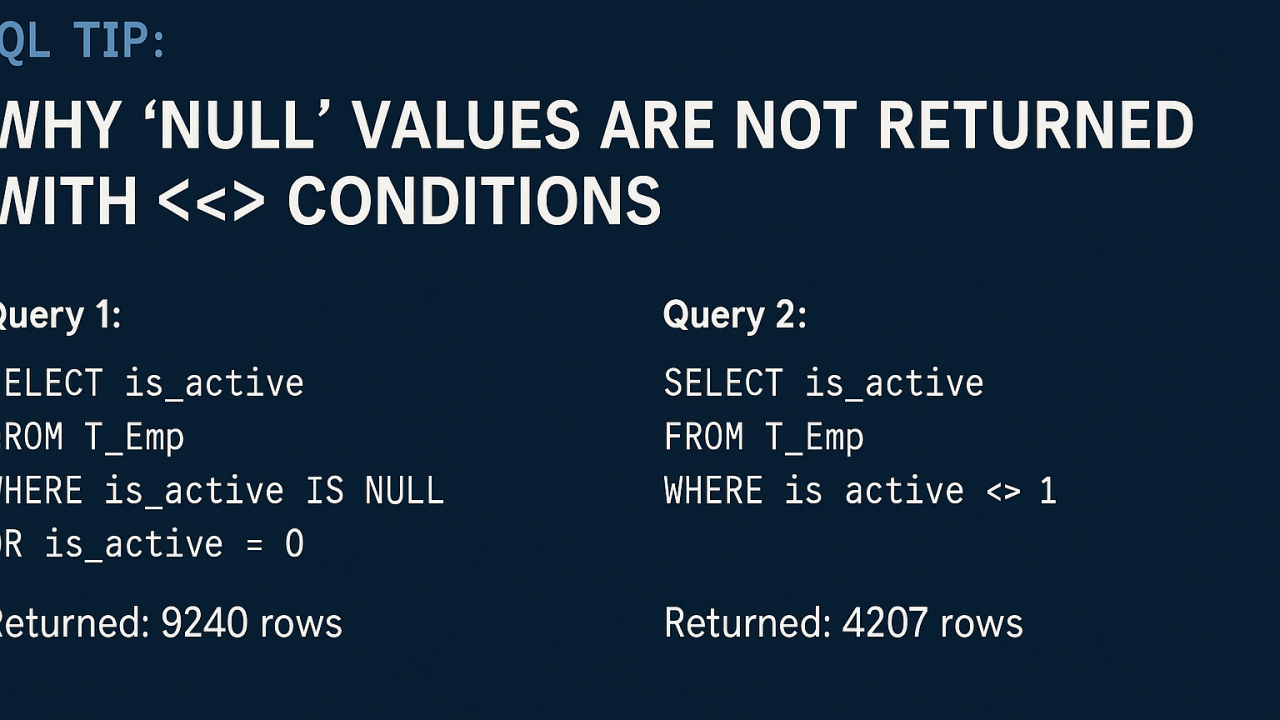
🧠 SQL Tip: Why NULL Values Are Not Returned with <> Conditions
While working with employee data recently, I encountered a subtle yet important behavior in SQL that can easily be overlooked—even by experienced developers. It’s all about how NULL values behave in comparison filters, specifically when using operators like <>.
Let me walk you through what I discovered and how you can avoid unexpected results in your queries.👇
🔍 The Scenario
I ran two queries on a table named T_Emp to filter data based on the is_active column:
✅ Query 1:
SELECT is_active
FROM T_Emp
WHERE is_active IS NULL OR is_active = 0
Returned: 9240 rows✔️ This result included both NULL and 0 values, exactly as expected.
❓ Query 2:
SELECT is_active
FROM T_Emp
WHERE is_active <> 1
Returned: Only 4207 rows ❌ NULL values were not included, even though they are technically "not 1".
🤔 Why This Happens
In SQL, NULL doesn’t represent a value, it represents the absence of a value.
So when you write is_active <> 1, SQL evaluates that condition as follows:
And here's the trick: in SQL, WHERE clauses only return rows where the condition is TRUE. That means rows that evaluate to FALSE or UNKNOWN are excluded.
That’s why your query misses NULL rows unless you explicitly include them.
✅ The Correct Way
To include both 0 and NULL values in your result set, modify your condition like this:
SELECT is_active
FROM T_Emp
WHERE is_active IS NULL OR is_active <> 1
This ensures:
💡 Key Takeaway
Remember this when writing SQL queries:
If you’ve ever been puzzled by missing rows in your SQL query results—this could be the culprit. Hope this clears up some confusion and helps improve your SQL filtering logic! 💡
#SQL #DatabaseTips #TechLearning #NullValues #DataQuality #TSQL #PostgreSQL #SQLServer #LinkedInTech
Helpful reminder