
Spatial Manager - Color objects by their data in DWG
Thematic Maps allow you to view objects colored by their data values, but you can also apply these styles persistently to the objects, causing these colors to override the DWG colors. With this tool, the colored DWG can be shared with other users without requiring the Spatial Manager plugin.
1. View object data in grid
2. Create thematic map
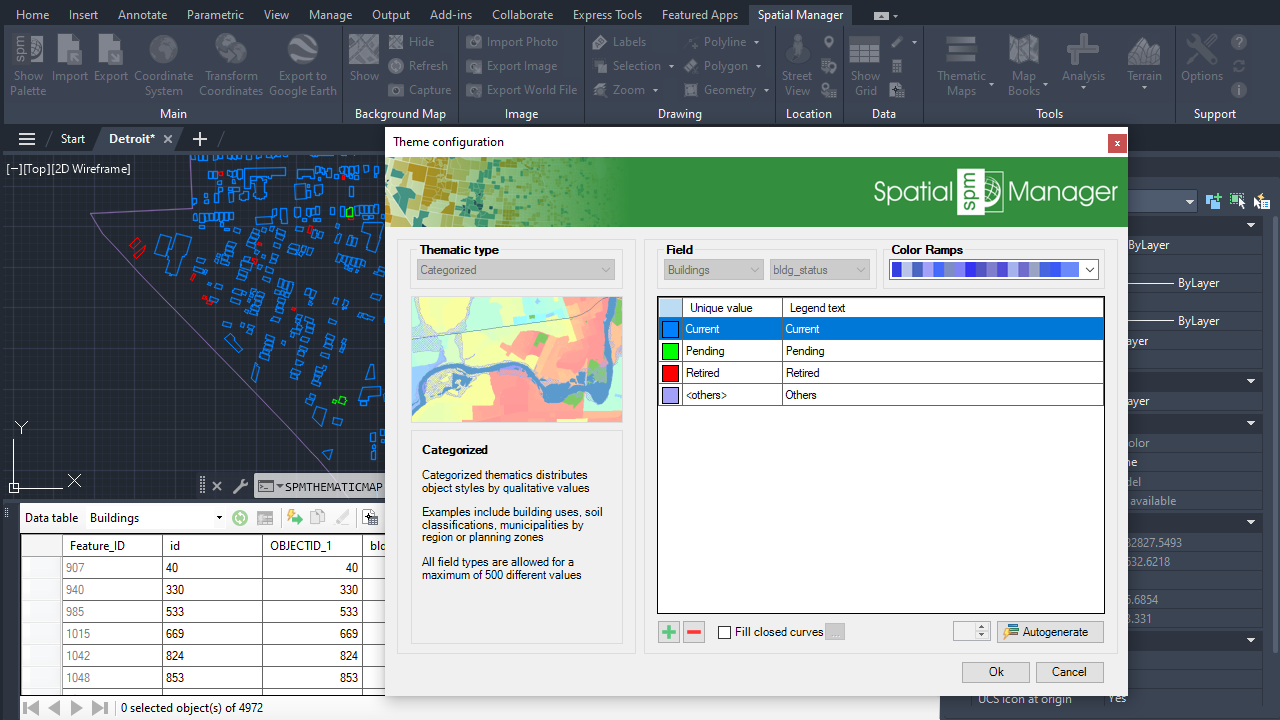
3. Apply persistent styles
4. Edit thematic map and fill polygons
5. Apply persistent styles and create hatches
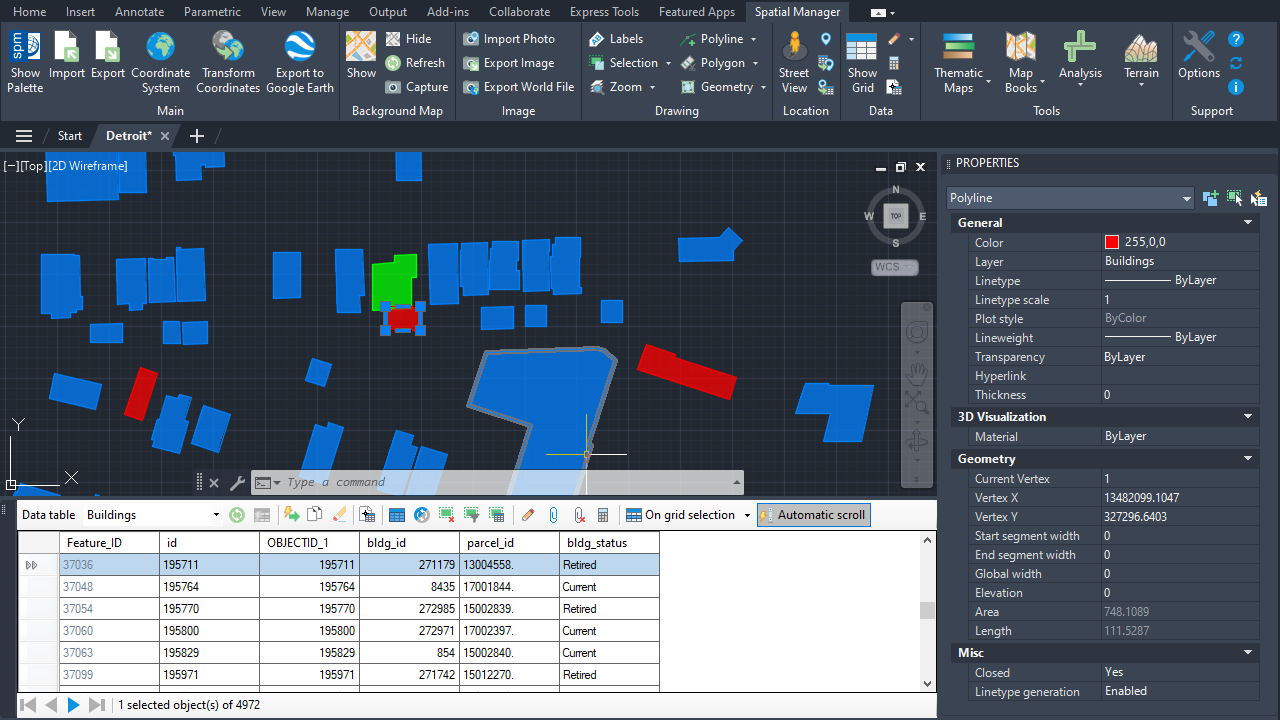
Also available from Spatial Manager main palette
Note: Some functionalities can be found in the Standard or Professional editions only