📺 Mastering the Facade Design Pattern in Java: Simplify Complex Integrations
In modern Java applications, especially those integrating with multiple external systems (think CRM, payment gateways, authentication providers), developers often face a critical challenge: how to shield the rest of the application from the complexity of those integrations.
That’s where the Facade Design Pattern shines.
📎 What is the Facade Design Pattern?
The Facade Pattern is a structural design pattern that provides a simplified interface to a complex subsystem. It doesn’t add new functionality — instead, it hides the complexity of multiple interacting classes behind a single, unified API.
🎯 Why Use a Facade?
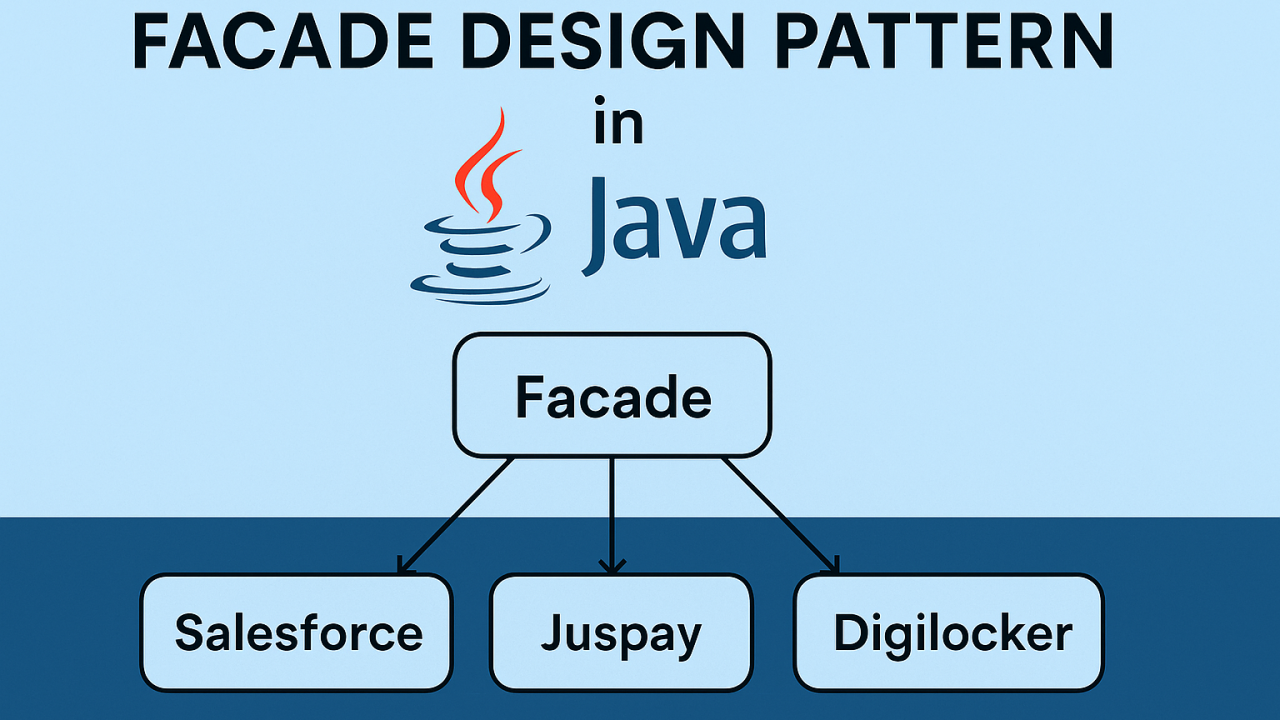
Let’s say you’re integrating with:
Each of these connectors has its own set of configurations, request structures, error handling, and authentication flows.
Without a facade: Your main application code needs to know about the internal details of all these connectors — tight coupling, duplicated logic, and harder testing.
With a facade: Your app talks to a single entry point like ExternalServiceFacade, which handles everything under the hood.
🛠 Real-World Java Example
1. Define the Connector Interfaces
public interface Connector {
    void connect();
    String fetchData();
}
2. Implement Different Connectors
public class SalesforceConnector implements Connector {
    public void connect() { System.out.println("Connecting to Salesforce..."); }
    public String fetchData() { return "Salesforce Data"; }
}

public class JuspayConnector implements Connector {
    public void connect() { System.out.println("Connecting to Juspay..."); }
    public String fetchData() { return "Payment Data"; }
}
3. Create the Facade
public class ExternalServiceFacade {

    private final SalesforceConnector salesforce;
    private final JuspayConnector juspay;

    public ExternalServiceFacade() {
        this.salesforce = new SalesforceConnector();
        this.juspay = new JuspayConnector();
    }

    public String getCustomerData() {
        salesforce.connect();
        return salesforce.fetchData();
    }

    public String getPaymentData() {
        juspay.connect();
        return juspay.fetchData();
    }
}
4. Use It in Your Application
public class MainApp {
    public static void main(String[] args) {
        ExternalServiceFacade facade = new ExternalServiceFacade();

        System.out.println("Customer Info: " + facade.getCustomerData());
        System.out.println("Payment Info: " + facade.getPaymentData());
    }
}
🥚 Benefits for Developers
✅ Decouples client code from connector internals ✅ Improves maintainability — Add, remove, or change connectors without affecting callers ✅ Great for mocking/stubbing in tests ✅ Enforces uniform error handling & logging
🌐 Real-World Scenarios
🚀 Final Thoughts
The Facade Pattern is not about cutting corners — it’s about smart abstraction. In enterprise systems with multiple external APIs, it's your best friend for clean code, scalability, and maintainability.
If your Java app talks to multiple external services, introduce a facade layer — your future self (and team) will thank you!
💬 Have you used Facade in your projects? Share your experience or drop a question below 👇
#Java #DesignPatterns #FacadePattern #CleanCode #Integration #SoftwareEngineering
That's nice but are you sure calling connect method on every data fetch call is good idea?
The Facade can be turned into a `Singleton`, depending on use cases?
Thanks for sharing, Naveen