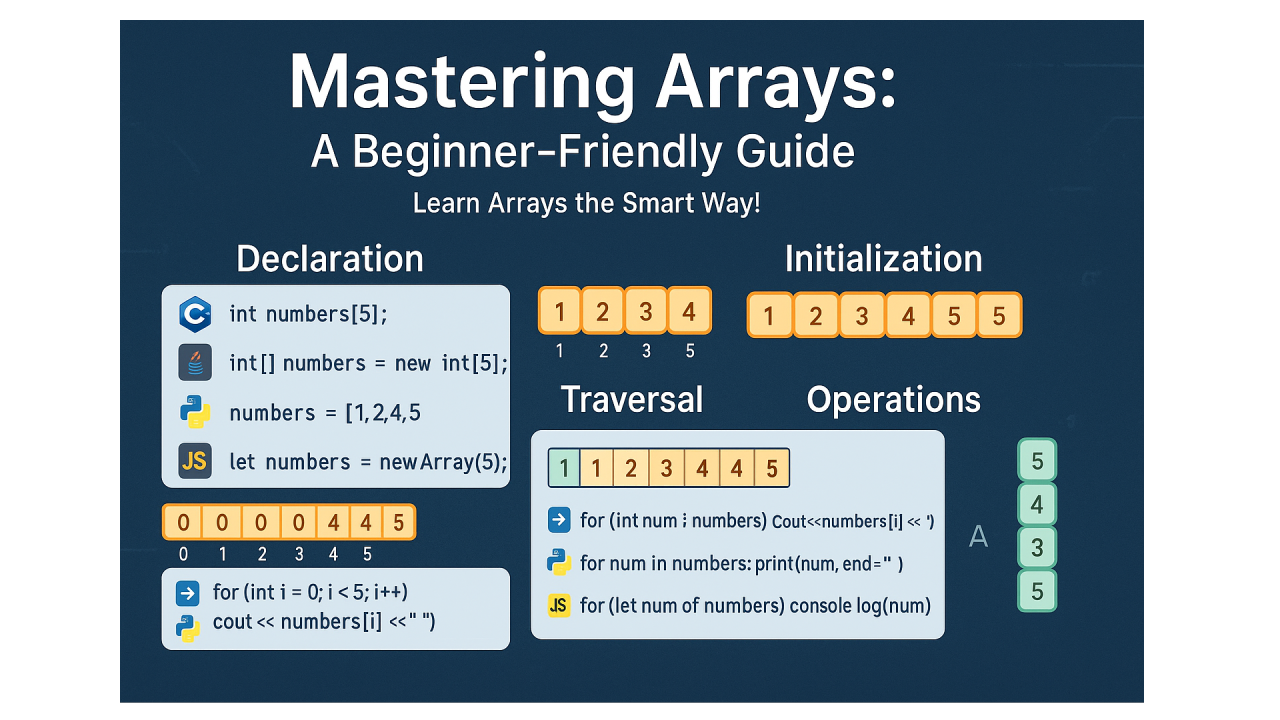
Mastering Arrays: A Beginner-Friendly Guide in C++, Java, Python, and JavaScript
Arrays are the building blocks of programming. Whether you're just starting out or brushing up on your basics, understanding arrays is crucial for writing efficient and scalable code.
In this article, we’ll cover everything about arrays—what they are, how they work, and how to use them in C++, Java, Python, and JavaScript with detailed syntax, code examples, and explanations.
📘 Table of Contents
🔹 1. What is an Array?
An array is a collection of elements stored at contiguous memory locations. All elements in an array are of the same data type.
It helps in storing multiple values under a single name, making the code more readable and manageable.
🔹 2. Why Use Arrays?
🔹 3. Array Declaration & Initialization
🔸 C++
int arr[5];                    // Declaration
int arr2[5] = {1, 2, 3, 4, 5}; // Initialization
🔸 Java
int[] arr = new int[5];              // Declaration
int[] arr2 = {1, 2, 3, 4, 5};        // Initialization
🔸 Python
arr = [0] * 5           # Declaration
arr2 = [1, 2, 3, 4, 5]  # Initialization
🔸 JavaScript
let arr = new Array(5);          // Declaration
let arr2 = [1, 2, 3, 4, 5];      // Initialization
🔹 4. Accessing Array Elements
Access elements using index (0-based indexing in most languages).
Example in all languages:
cout << arr2[0]; // C++
System.out.println(arr2[0]); // Java
print(arr2[0]) # Python
console.log(arr2[0]); // JavaScript
🔹 5. Traversing Arrays
Use loops to iterate through each element.
🔸 C++
for(int i = 0; i < 5; i++) {
    cout << arr2[i] << " ";
}
🔸 Java
for(int i = 0; i < arr2.length; i++) {
    System.out.print(arr2[i] + " ");
}
🔸 Python
for i in arr2:
    print(i, end=' ')
🔸 JavaScript
for(let i = 0; i < arr2.length; i++) {
    console.log(arr2[i]);
}
🔹 6. Common Operations on Arrays
✅ Insertion (manually in static array)
Insert at position:
arr2.insert(2, 99) # Python
✅ Deletion
arr2.pop(2) # Deletes element at index 2
✅ Searching
print(3 in arr2) # Returns True if 3 exists
✅ Updating
arr2[1] = 10 # Updates index 1 value
(Same logic can be implemented using loops in C++, Java, JS)
🔹 7. Multidimensional Arrays (2D Arrays)
🔸 C++
int matrix[2][3] = {{1, 2, 3}, {4, 5, 6}};
🔸 Java
int[][] matrix = {{1,2,3}, {4,5,6}};
🔸 Python
matrix = [[1,2,3], [4,5,6]]
🔸 JavaScript
let matrix = [[1,2,3], [4,5,6]];
Accessing matrix[1][2] in each gives 6.
🔹 8. Limitations of Arrays
🔹 9. Final Thoughts
Arrays are essential in every programming language and help build a strong foundation for more advanced data structures. Start practicing array problems on platforms like LeetCode, HackerRank, or Codeforces to solidify your understanding.
🔗 Let’s Connect!
If you found this helpful, please like, comment, and share. Follow me for more beginner-friendly tutorials on data structures, algorithms, and full-stack development.