🚀 Java Deep Diving! Using Java Threads (Runnable, Thread, CompletableFuture, Tasks, Lambda Threads)
Here I will give a good explanation and practical examples about Threads in Java, talking about:
✅ Base concepts of Threads
✅ Using Runnable, Threads and Executors
✅ Main methods, start(), run(), join(), interrupt()...
✅ Advanced use with CompletableFuture and Lambda Threads
1️⃣ What are Threads in Java?
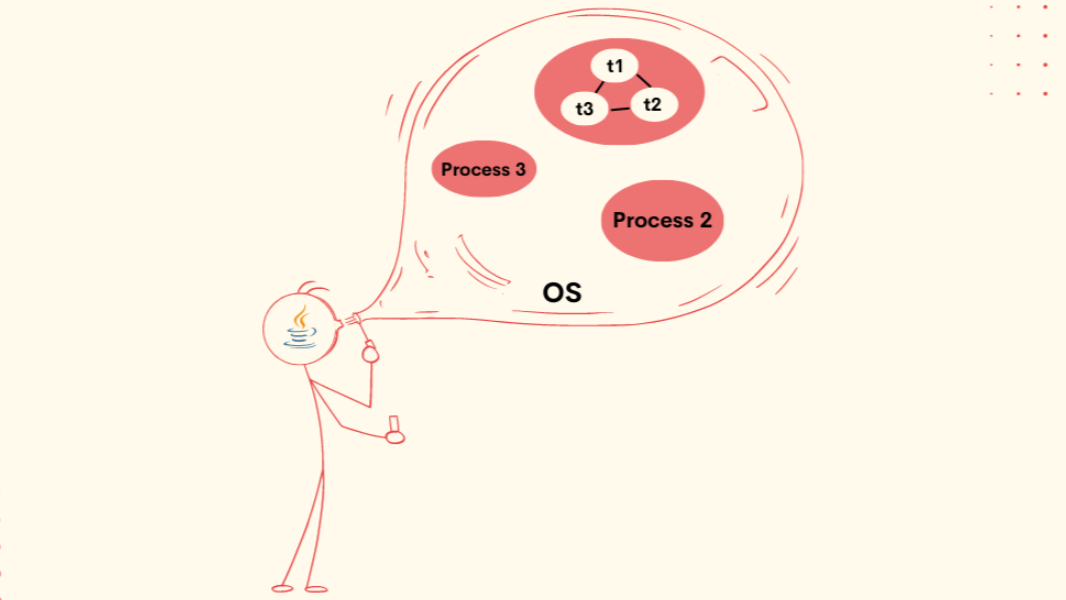
A thread is an independent execution flow into a program.
Java supports concurrent program, where many threads can be executed simultaneouslly
Threads are usable in parallel tasks, for example I/O, data processing and intensive calculations.
2️⃣ Creating an Java Thread
There are many ways to create a Thread.
✅ Using Thread Class (Extending)
class MyThread extends Thread {
 public void run() {
        System.out.println("Executing Thread: " + Thread.currentThread().getName());
    }
}

public class Main {
    public static void main(String[] args) {
        MyThread thread = new MyThread();
        thread.start(); // Start the thread
    }
}
🔹 Explanation:
We created an class MyThread that extends (Inherit) Thread
We override the method run, to define a task
We called start() to initiate the Thread correctly
✅ Using Runnable Interface (Best Practice)
class MyTask implements Runnable {
    public void run() {
        System.out.println("Executing Thread: " + Thread.currentThread().getName());
    }
}
public class Main {
    public static void main(String[] args) {
        Thread thread = new Thread(new MyTask());
        thread.start();
    }
}
🔹 Explanation:
Runnable gives the way to create threads without inherit
The code in more flexible and reusable
✅ Using Lambda Threads (Java 8+)
public class Main {
    public static void main(String[] args) {
        Thread thread = new Thread(() -> System.out.println("Executing Thread: " + Thread.currentThread().getName()));
        thread.start();
    }
}
🔹 Explanation:
Here we utilize a lambda expression to create a Thread
3️⃣ Essentials methods of a Thread
start()
run()
join()
Recommended by LinkedIn
interrupt()
isInterrupted()
✅ Exemple using join()
class MyThread extends Thread {
    public void run() {
        try {
            Thread.sleep(3000);
            System.out.println("Thread finalizada!");
        } catch (InterruptedException e) {
            System.out.println("Thread interrompida!");
        }
    }
}

public class Main {
    public static void main(String[] args) throws InterruptedException {
        Thread thread = new MyThread();
        thread.start();

        thread.join(); // Wait the thread finishes before continue

        System.out.println("Execution finished after  thread conclude.");
    }
}
🔹 Explanation:
join() forces the main Thread to wait for the secondary Thread finish.
✅ Example of interrupt()
public class Main {
    public static void main(String[] args) {
        Thread thread = new Thread(() -> {
            while (!Thread.currentThread().isInterrupted()) {
                System.out.println("Executing...");
                try {
                    Thread.sleep(1000);
                } catch (InterruptedException e) {
                    System.out.println("Thread interrupted!");
                    return;
                }
            }
        });
        thread.start();
        try {
            Thread.sleep(3000);
            thread.interrupt(); // Thread interrupted
        } catch (InterruptedException e) {
            e.printStackTrace();
        }
    }
}
🔹 Explanation:
interrupt() signals that a Thread must stop and cause an InterruptedException if the Thread is sleeping.
4️⃣ Using ExecutorService to manage Threads
✅ Creating an FixedThreadPool
import java.util.concurrent.*;
public class Main {
    public static void main(String[] args) {
        ExecutorService executor = Executors.newFixedThreadPool(2);
        Runnable task = () -> System.out.println("Executing Thread: " + Thread.currentThread().getName());
        executor.submit(task);
        executor.submit(task);
        executor.shutdown(); // Finishes of Executor
    }
}
🔹 Explanation:
The ExecutorService manage the lifecycle of Threads
newFixedThreadPool(2) creates an pool with 2 fixed Threads
5️⃣ Using CompletableFuture for Async Program
import java.util.concurrent.*;
public class Main {
    public static void main(String[] args) {
        CompletableFuture<String> future = CompletableFuture.supplyAsync(() -> {
            try {
                Thread.sleep(2000);
            } catch (InterruptedException e) {
                e.printStackTrace();
            }
            return "Task completed!";
        });
        future.thenAccept(System.out::println); // Executes when Thread finishes
        System.out.println("Executing other operation...");
    }
}
🔹 Explanation:
supplyAsync(), executes a task in background
thenAccept(), process the result when the task finishes
Doesn't block the main execution
6️⃣ Difference between Thread, ExecutorService and CompletableFuture
Creation
Management
Scalability
🚀 Summary
✅ Uses Thread and Runnable for manual management, but choose ExecutorService for scalability
✅ For async operations with no block, CompletableFuture is the best choice
✅ Avoid Thread.sleep() and choose ExecutorService to tasks schedules